Exquisite Crops
 ...
...
Exquisite Crops
💡 Concept
 Giuseppe Arcimboldo's "Vertumnus" (1591), a fecund portrait of Holy Roman Emperor Rudolf II, asks us to reconsider the matter of a whole in relation to its parts, a provocation as much about scientific inquiry as it was about 16th century empire.
🖥️ Activity
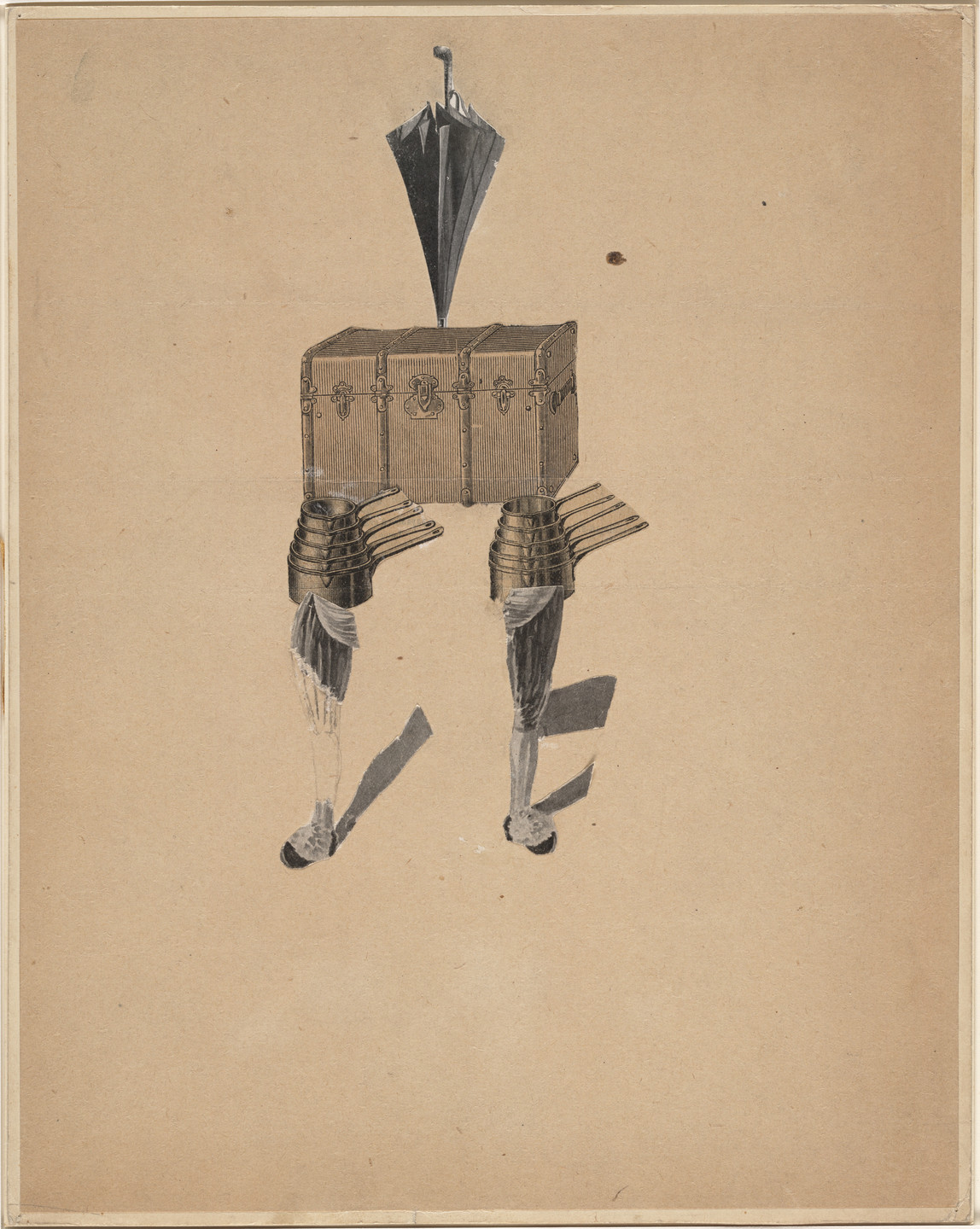
This activity is inspired by a much later Surrealist game for co-authoring a poem or picture called cadavre exquis or "exquisite corpse." The rules and materials of exquisite corpse vary, but in most versions a sheet of paper is folded to conceal the whole, and participants take turns filling in successive sections of drawing or writing, based only upon the last lines from the section before. Our adaptation, which we will call "exquisite crops," uses the cropping tool to excerpt portions of images of plants (as well as people, animals, gods, or anything else).
👓 Example
Here's what mesdames et monsieurs came up with (Click to open and close)
🧱 Materials
- Barnum and Jumbo's ABC (Princeton University, Cotsen Children's Library; Digital PUL)
https://figgy.princeton.edu/concern/scanned_resources/7fb25e3b-24fa-4a8f-87ee-5b2dd5d9275d/manifest
- The Gladzor Gospels (UCLA Library Special Collections Manuscript No. 1; Library Digital Collections)
https://iiif.library.ucla.edu/ark%3A%2F21198%2Fzz0009gx6g/manifest
- Codex Mendoza (Bodleian Library MS. Arch. Selden. A. 1; Digital Bodleian )
https://iiif.bodleian.ox.ac.uk/iiif/manifest/2fea788e-2aa2-4f08-b6d9-648c00486220.json
- Vesalius. De humani corporis fabrica. Epitome (University of Cambridge Library CCF.46.36; Digital Library)
https://cudl.lib.cam.ac.uk//iiif/PR-CCF-00046-00036
🛠️ Tools
🪜 Steps
Cropping a IIIF image
To select a portion of an image (click to open and close)
- Copy and paste a manifest URL into the Submit box
- Click any thumbnail to load in the IIIF Cropping Tool viewer
- Zoom and view
- To crop a detail from the image, click the white pencil icon, and highlight the desired rectangle by clicking and dragging a rectangle from corner to corner
- A thumbnail of your selected detail will appear in a slider at the bottom of the Cropping Tool. You can repeat to collect multiple details, from various manifests
- Click the Copy icon on the left side of the thumbnail
- Alternatively: any highlighted thumbnail (pages or cropped details) will display its image URL in full or actual size in the window with the Copy button. HTML embed code with manifest link is also available by clicking the </> tab
Posting with an image
To add image details to a discussion post (click to open and close)
- click Reply
- to enter your image details, simply paste into the text field
- images can be manually resized by highlighting and dragging their corners
- repeat for additional images
✉️ Share
Use the cropping tool and any/all of the item manifests to construct a mashup of random or carefully constructed bits and parts. The easiest path is horizontal, so consider a pictographic message, an animal alphabet, or montage metaphor. Add as many as you like, and feel free to describe your confection.
🤝 Collaborate
Take a moment to peruse the offerings of colleagues, and add a comment or yet another crop to stir the pot