Universal Viewer
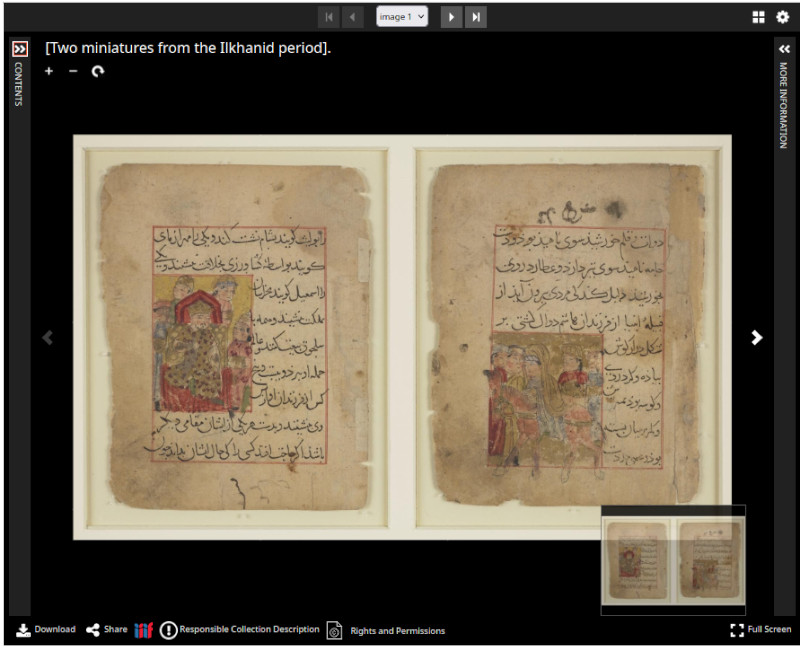
Universal Viewer is a IIIF-enabled viewer commonly used on Library and Museum websites. You can likely used it to view digital collections. Universal Viewer, however, can also be used to view any IIIF resource.
How to
- Select and copy the manifest URL of the object of your choice, for instance https://sharedcanvas.be/IIIF/m....
- Open the website https://universalviewer.io/
- Copy the URL to ‘Paste the URL of a IIIF manifest here to see the UV in action!’
Imagine you have found an interesting detail in a manuscript and wish to share this with someone or to save it for yourself. Instead of downloading the image or taking a screen shot, you can share or bookmark a URL with coordinates using the Universal Viewer.
How to
- Open a manifest in Universal Viewer, as above.
- Browse the manuscript and zoom in on an interesting detail. (Watch how the coordinates in the URL change as you zoom or move. The coordinates make it possible to share a specific area of an image.)
- Copy the URL with the coordinates or use the share button in the viewer. Share the URL in a message, copy it to a document, or bookmark the page.